

Introduction: The “Roadblock” Problem
In vector search, we often talk about speed and accuracy. But there is a major flaw in the most popular algorithm (HNSW) that most people don’t realize until they go into production.
HNSW is great at finding “Similar items.” But it is terrible at finding “Similar items… that also match a specific Filter.”
If you add a filter (like “Must be Under $50” or “Must be In Stock”), HNSW often breaks completely. Let’s look at why, and the clever new solution called ACORN.
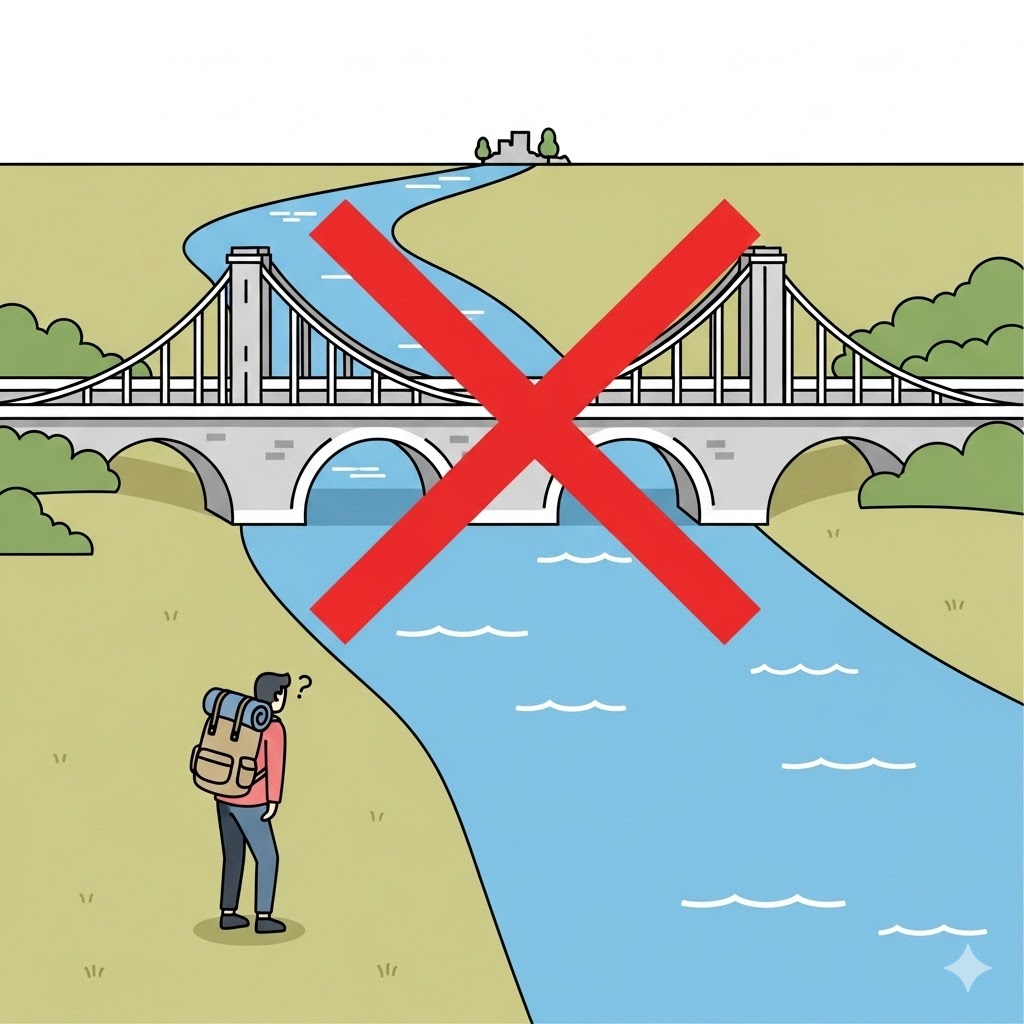
1. The Analogy: The Blocked Highway
Imagine you are driving to your friend Shyam’s house.
You know the route perfectly:
- Drive to the Highway.
- Exit at Main Street.
- Turn left to reach Dave.
Now, apply a filter: “Avoid Toll Roads.”
If the only highway to Main Street is a Toll Road, your GPS (HNSW) panics. It sees the road is “banned” by your filter. It stops. It tells you “Destination Unreachable”—even though Dave’s house is right there, and you could have just taken a side street to get there.
This is the Disconnected Graph problem. HNSW relies on specific paths (links) between data points. If you filter out the items that make up the path, you can’t reach the destination.
2. A Real-World Disaster: The “Out of Stock” Trap
Let’s look at a fashion store example.
The Query: “White Summer Dress” The Filter: “In Stock Only”
How HNSW fails:
- The search engine finds the perfect White Summer Dress (Item A).
- It uses Item A to find similar dresses (Item B and Item C).
- BUT: Item A is Out of Stock.
- Because the filter says “In Stock Only,” the engine hides Item A.
- Since Item A was the “bridge” to find Item B and C, the engine never finds them either!
You end up with zero results, even though the store has plenty of white dresses in stock.
3. The Solution: ACORN (The “Side Street” Navigator)
A new method called ACORN fixes this. It gives the search engine a simple new rule:
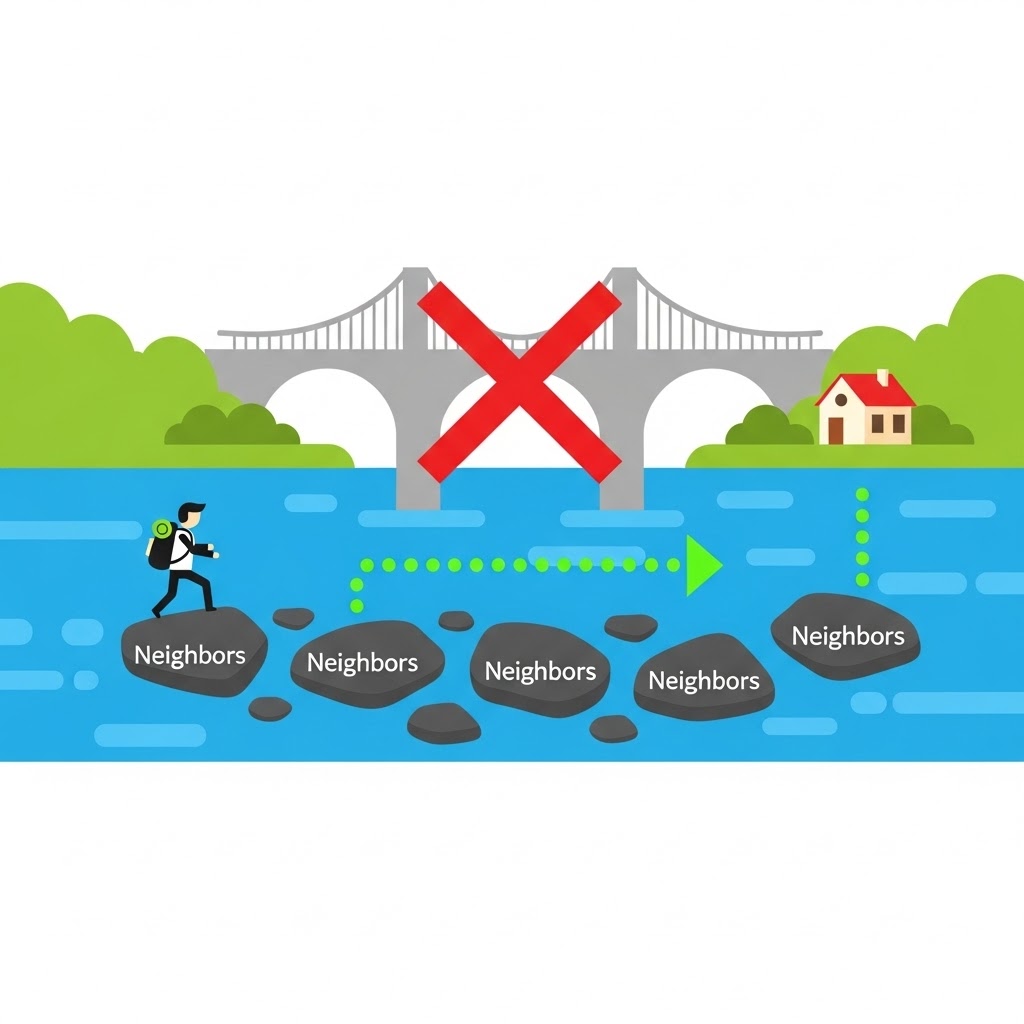
“If the road is blocked, ask the neighbors for a detour.”
In our previous example:
- ACORN sees that Item A matches the query (“White Dress”) but fails the filter (Out of Stock).
- Instead of giving up, ACORN asks Item A: “Hey, I can’t show you to the user, but who are your neighbors?”
- Item A points to Item B and Item C.
- ACORN checks them. They are In Stock!
- ACORN shows Item B and C to the user.
By hopping over the “blocked” item to check its neighbors, ACORN recovers the lost data.
4. Why This Matters for Business
The impact of this fix is massive. In testing, when heavy filters are applied:
- Standard HNSW: Finds ~53% of relevant items. (Fails half the time).
- HNSW + ACORN: Finds 97.2% of relevant items.
Where does this save the day?
- Grocery Apps: “Vegan” filter. (Don’t hide the vegan cheese just because the path went through regular cheese).
- Job Search: “Remote Only” filter. (Don’t hide a remote developer job just because it was linked to an on-site job).
- E-Commerce: “Size M” filter. (Don’t break the search just because the Size L version is the most popular).
Summary
- The Problem: HNSW moves through data like a chain. If you filter out a link in the chain, you lose everything connected to it.
- The Fix (ACORN): If a link is broken, look at the “friends” of that link to find a new path.
- The Result: You get the speed of vector search and the accuracy of strict filtering.
Move upMove downToggle panel: AIOSEO Writing Assistant
Elevate your SEO with AIOSEO Writing Assistant
Now Integrated into SEOBoost
Experience the power of AI-driven writing assistance seamlessly integrated into SEOBoost. Login to enhance your content creation process and boost your search rankings. Login to SEOBoostOpen save panel
- Page